
01
Product, room or process
Name the category, model, finish, room, area, inspection point or loading step you need to see.
Visual Project Review
Use video to review sample rooms, product details, project applications, inspection points, packing labels and loading preparation before arranging a visit, approving a sample or sending a BOQ.
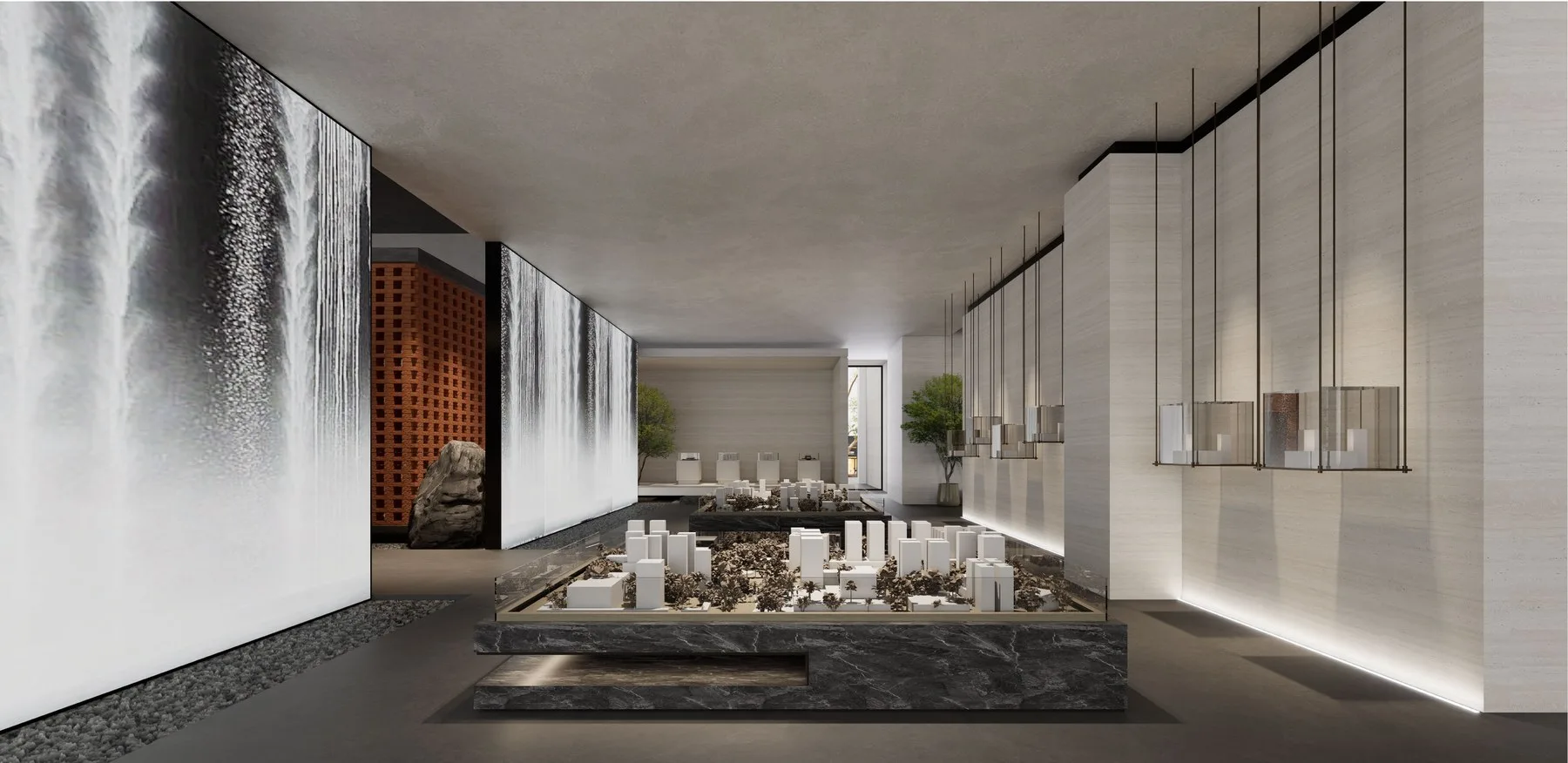
Filter visual content by the project decision it supports and request a closer view when an overview does not show the required detail.
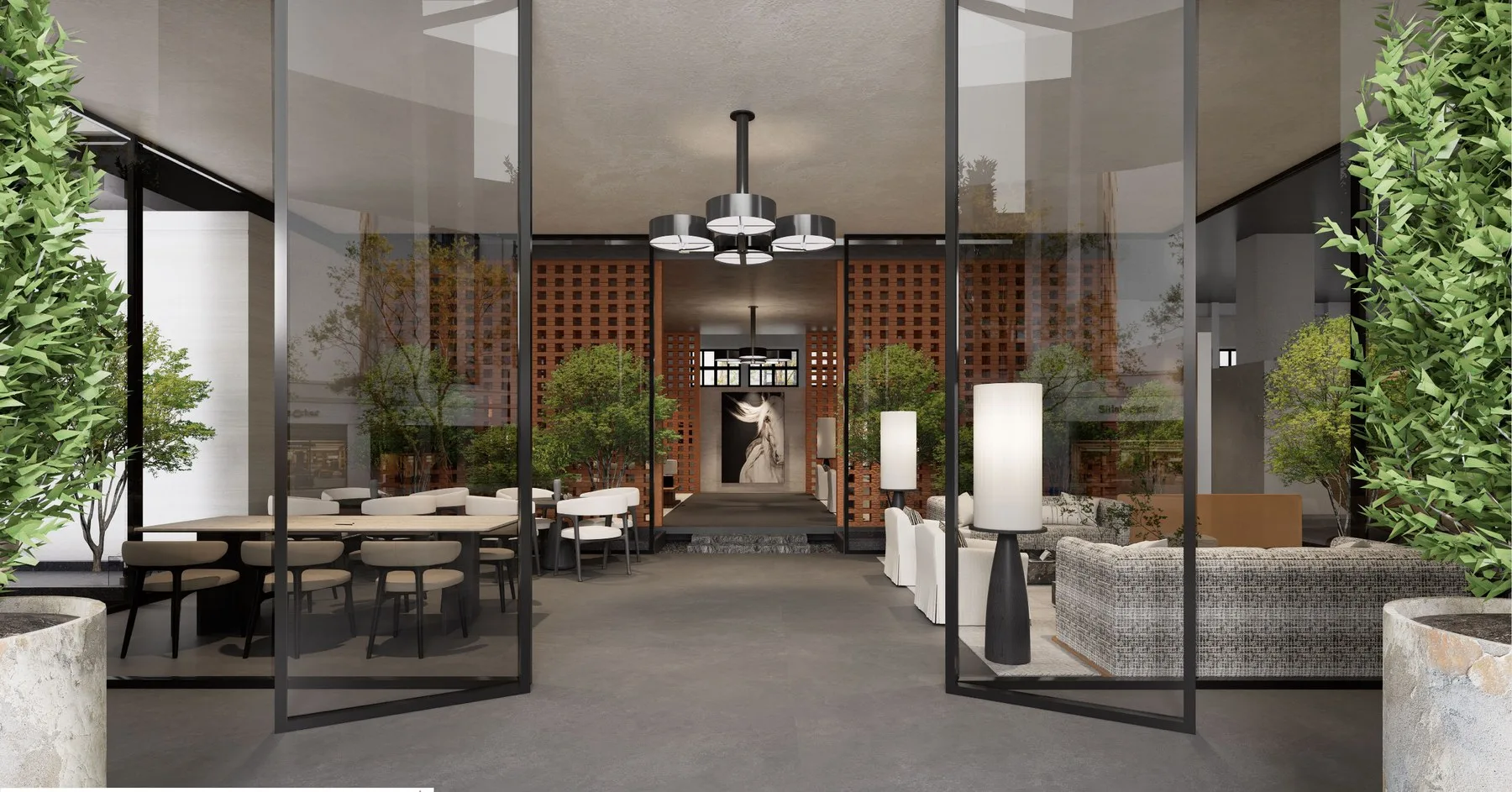
Review sample rooms, category displays, material combinations, case areas and consultation spaces before a visit.
Play Video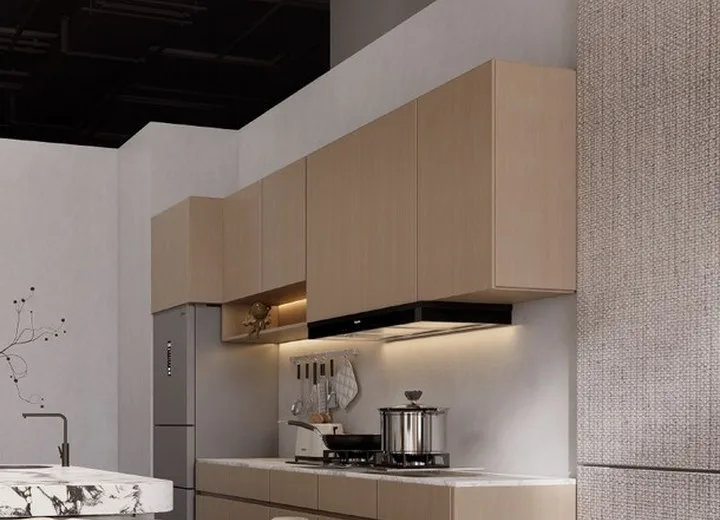
Review cabinet construction, door finish, edge details, hardware, storage accessories and custom millwork applications.
Request This Video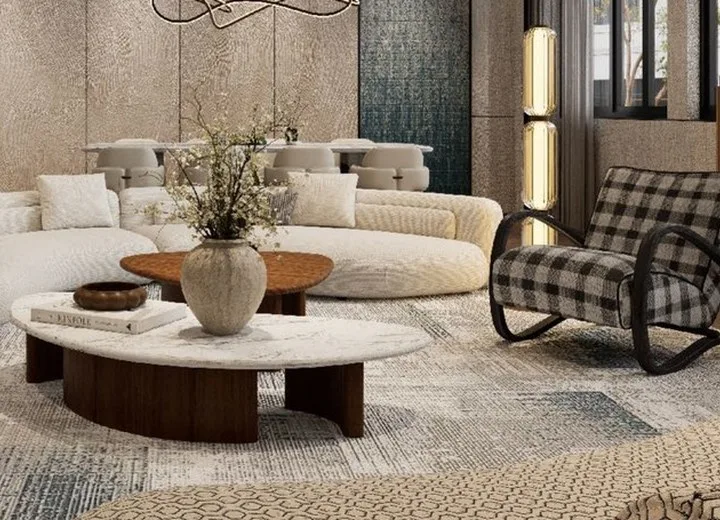
Review frames, joinery, upholstery, surfaces, custom dimensions and export packing for project furniture.
Request This Video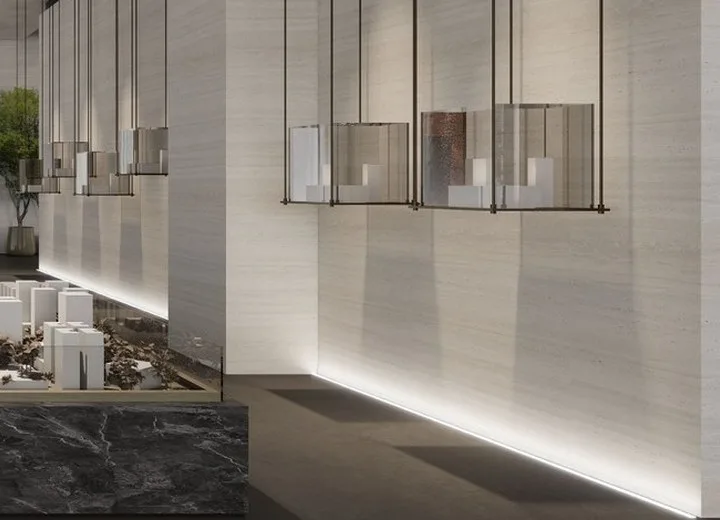
Compare scale, color, surface, edge, pattern, reflection and application details that photographs may not show clearly.
Request This Video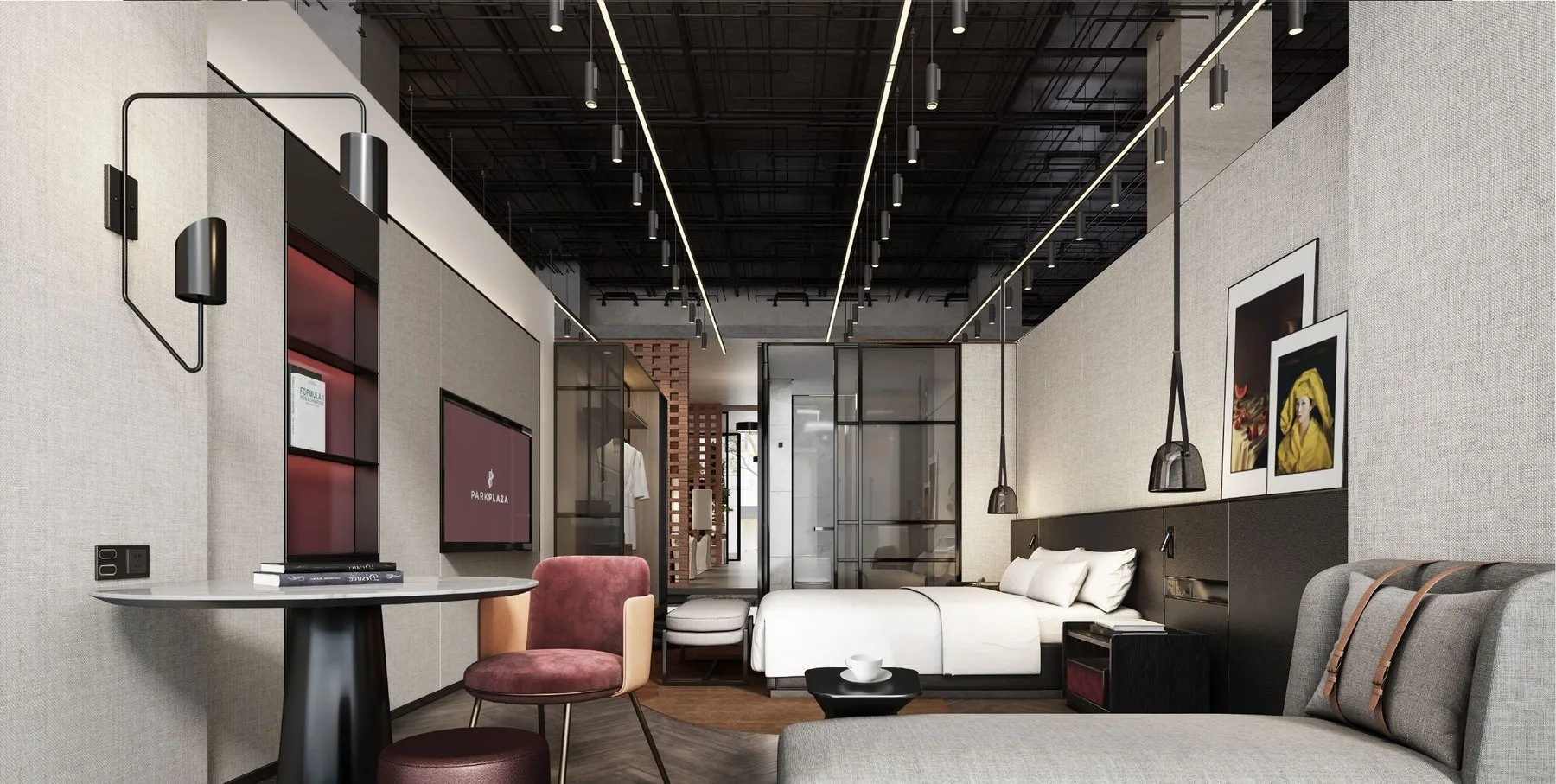
See how furniture, bathroom products, lighting, finishes and soft furnishing work within a repeated room standard.
Request This Video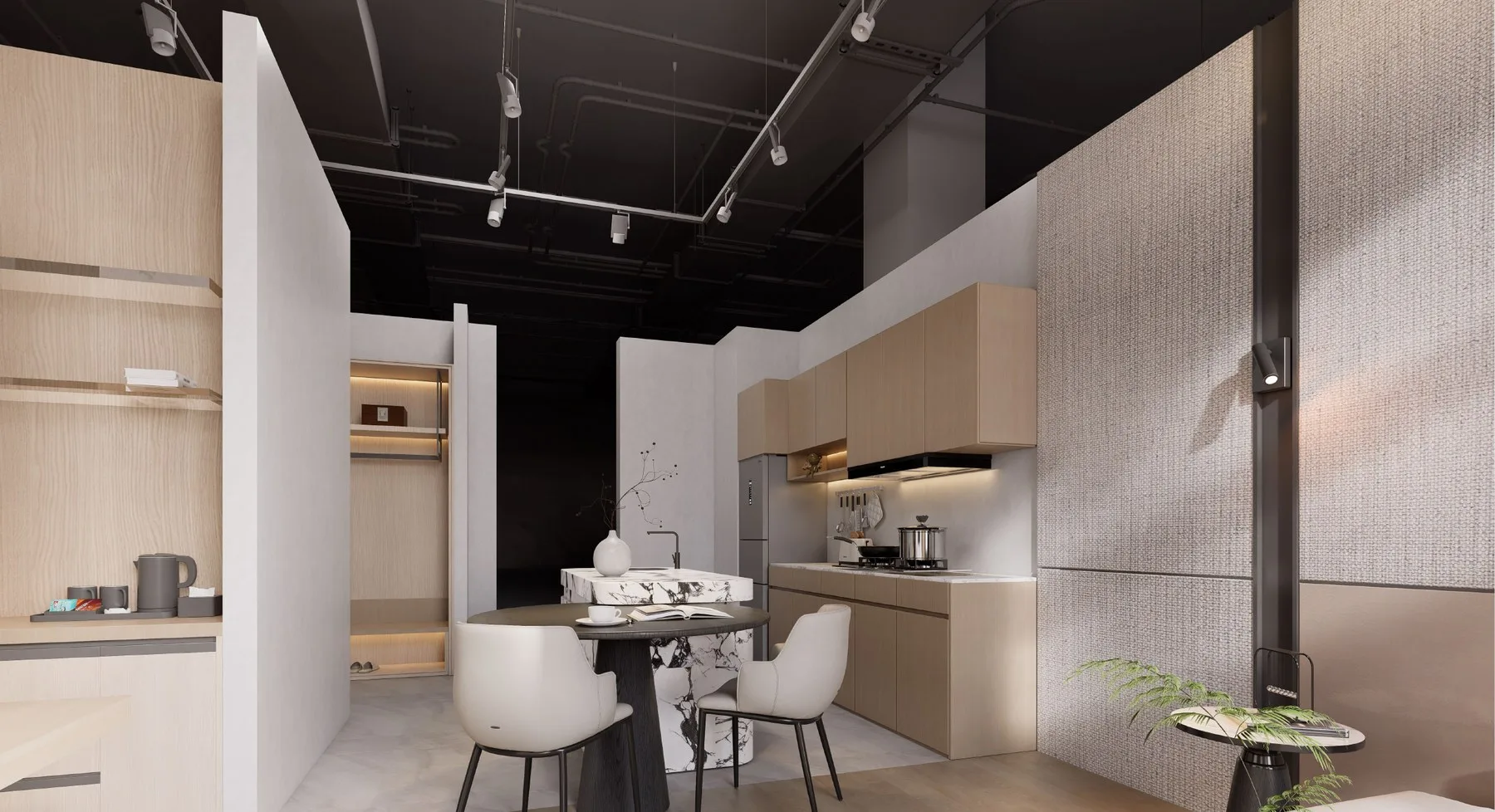
Review kitchen, wardrobe, door, flooring, sanitary and furniture applications by apartment unit type.
Request This Video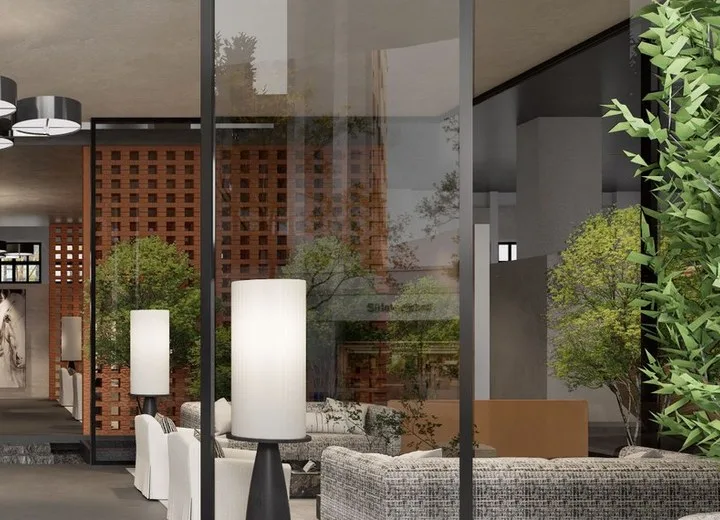
Review dimensions, finish, function, quantity, protective packaging and project labels before loading.
Request This Video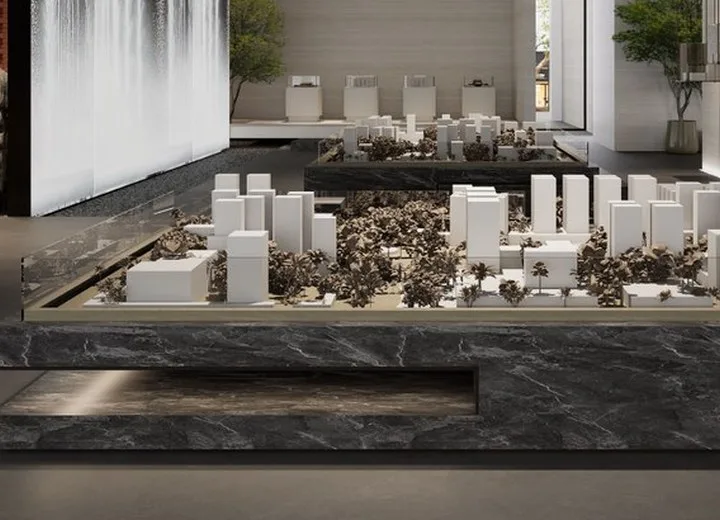
See loading order, protective handling, carton or crate labels and shipment organization for site receiving.
Request This VideoName the product, location, detail, approved reference and next action so the video produces usable evidence rather than a general factory tour.
Name the category, model, finish, room, area, inspection point or loading step you need to see.
Explain whether you are checking appearance, material, construction, function, scale, sample, QC or packing.
Share project type, room or unit type, quantities and relevant drawings or reference images.
State whether the video supports a sample choice, online meeting, catalog request, quotation or production approval.
A focused call can compare finishes, dimensions, operation, room displays, inspection points or packing while decisions and follow-up items are recorded.
Video helps confirm appearance and process; dimensions, performance, quantities and approved standards still belong in controlled project records.
Review color direction, surface, scale, proportion, room application and comparison.
Review visible joinery, hardware, operation, edge, protection and packaging method.
Review inspection, labels, packing and loading scenes relevant to delivery control.
Keep drawings, specifications, samples and approvals as the formal project standard.
Close-ups, measurements, operation, color comparison, labels, crate protection and loading sequence each answer a different project question.
Finish, edge, hardware, joint, texture, pattern, label or protective packing.
Full product, adjacent materials, installation area, sample room or repeated unit context.
Two finishes, models, materials, hardware options or approved versus alternative reference.
Inspection, protection, labeling, pallet or crate handling and container loading order.
Open the relevant category for technical requirements or a case to compare how similar goods were controlled and delivered.
Review product range, quotation inputs and the decisions affecting price and lead time.
Learn MoreCompare supplied categories, custom requirements, QC and delivery evidence by project type.
Learn MorePrepare BOQ, specifications, sample approvals, packing and loading questions before review.
Learn MoreAttach drawings or reference images when the camera request must match a project-specific detail or approved standard.
These answers explain what video can verify and which decisions still require written approval or physical samples.
Yes. Tell us the category, model, finish, detail or concern you need to review so the request can stay focused.
Yes. A center walkthrough can show sample rooms, material displays, case areas and consultation spaces before visit planning.
No. Video supports early visual review, while many final decisions still require physical samples, finish references, mockups or written approval.
Yes. Share the product reference and questions first so the session can focus on the required details and next decision.
Relevant scenes can show inspection points, protection, project labels, packing and loading preparation when required.
Send the project type, category, reference image, drawing and a clear description of what the video needs to confirm.
It can support comparison and discussion, but the approved standard should still be recorded through samples, drawings or written specifications.
Yes. After the visual direction is clearer, send drawings, quantities, specifications, destination and timeline for quotation review.